
Introduction
Here is the honest truth most guides skip: you cannot create a Telegram account with no phone number at all. The app requires one to send a verification code.
But that is not the question most people are really asking. What they want is to use Telegram without exposing their real number — to friends, to groups, to strangers in a channel.
That is completely doable. This guide focuses on privacy, not loopholes: how to verify with a number you do not mind sharing, how to hide your number after signup, and how to keep it that way.
WHY TELEGRAM ASKS FOR A NUMBER AT ALL
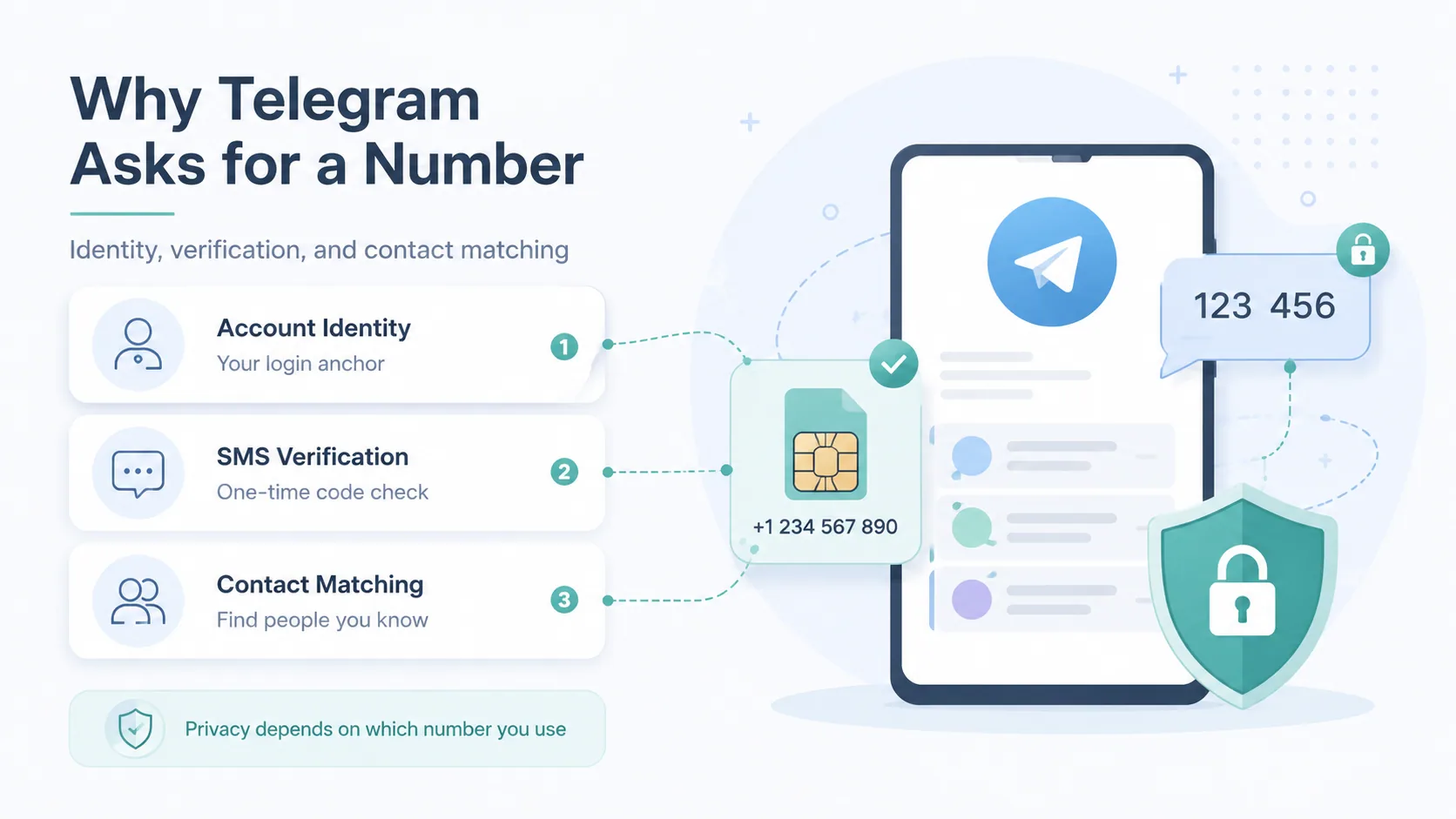
Telegram uses your phone number as the account identity and the verification anchor. A one-time code is sent by SMS to confirm you are real.
It also powers the contact-matching feature — Telegram can show you which of your saved contacts already use the app.
The Real Privacy Problem
The number itself is not the issue. The issue is which number you use and who can see it later.
Use your personal SIM, and that number can surface to people you message or to groups you join. That is what we are going to prevent.
THE HONEST PICTURE: WHAT YOU CAN AND CANNOT DO
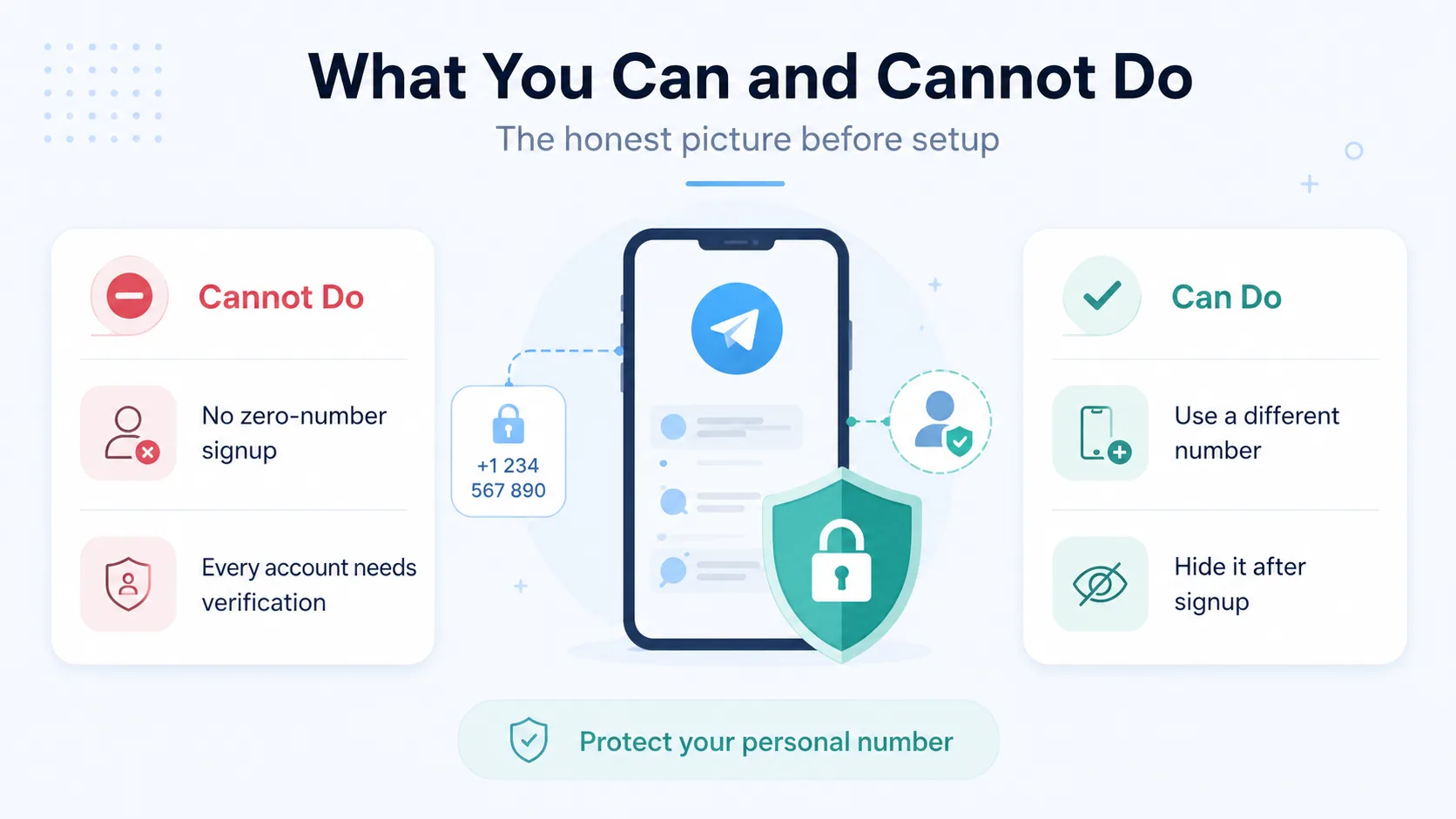
Setting expectations correctly saves you frustration. So let us be clear before any setup.
What You Cannot Do
You cannot register a Telegram account with zero phone numbers. Every account needs a number to receive the verification code.
Anyone promising a true "no number" signup is usually selling something or describing a method that no longer works.
What You Can Do
You can verify with a number that is not your personal one. You can then hide that number from everyone inside the app.
The result feels exactly like "Telegram without a phone number" — your real identity stays private. That is the realistic goal, and it works well.
Ready when you are
Protect your business line.
MCM's local numbers ship with verified caller ID and smart call filtering — customers always know it's really you, and spam never reaches your team.
METHOD 1: VERIFY WITH A NUMBER YOU DO NOT MIND SHARING

The cleanest approach is to register with a separate number from the start. Your personal SIM never touches the account.
Use a Virtual Number
A virtual number is a real, working number that lives in the cloud and receives SMS through an app. It is ideal here because you control it and can keep it long term.
Unlike a borrowed disposable number, a virtual number stays yours — so you never lose account access if you need to re-verify. MCM covers the provider side in detail in our virtual number for Telegram guide.
Use a Spare or Secondary SIM
A second prepaid SIM also works. Insert it, receive the code, complete setup, and you have a dedicated Telegram number.
The downside is cost and the hassle of keeping a physical SIM active just for verification.
A Word on Free Disposable Numbers
Public disposable-SMS websites are tempting because they are free. But the numbers are shared and recycled.
If someone else later registers with that same number, you can be locked out. Fine for a throwaway account, risky for one you care about.
Want a number you actually own? A virtual number from My Country Mobile is yours to keep — no shared inboxes, no surprise lockouts. See virtual phone number options and pick one in minutes.
METHOD 2: HIDE YOUR NUMBER AFTER SIGNUP
Already registered with your real number? You do not have to start over. Telegram lets you hide it.
Adjust Phone Number Privacy
Open Settings, then Privacy & Security, then Phone Number. You will see who can see your number.
Set "Who can see my phone number" to Nobody. Now your number is hidden from everyone, even people you chat with.
Control Who Can Find You by Number
Below that, set "Who can find me by my number" to My Contacts. This stops strangers from locating your account using your digits.
These two settings together give you strong protection without changing your account.
Share Your Username Instead
Telegram lets you create a public username (like @yourname). Share the link t.me/yourname instead of your number.
People can message you and add you to groups using only the username — your number never enters the conversation.
METHOD 3: TELEGRAM'S ANONYMOUS FRAGMENT NUMBERS
For maximum privacy, Telegram supports anonymous numbers bought through its Fragment platform. These exist purely for account creation.
How Fragment Numbers Work
A Fragment number is a blockchain-based number with no SIM and no carrier. You buy it, verify your Telegram account with it, and your real number is never involved.
It is the only fully official "no traditional number" route Telegram offers.
The Trade-Offs
Fragment numbers are not free — each one costs roughly $16 (or the equivalent in TON tokens). Pricing can vary.
They suit users who want strict anonymity and are willing to pay for it. For most people, a virtual number plus hidden privacy settings is simpler and cheaper.
Need private, reliable numbers at scale? Whether it is one account or a whole team, My Country Mobile keeps your real numbers off the grid. Start free — no credit card, fast setup, trusted in 190+ countries.
SMART HABITS FOR A PRIVATE TELEGRAM ACCOUNT
The right number and settings get you most of the way. A few habits lock it in.
Lock Down the Rest of Your Profile
Privacy is not just the phone number. Review who can see your profile photo, last-seen status, and the groups you can be added to.
Set each of these to "My Contacts" or "Nobody" as your comfort level requires.
Keep Your Verification Number Safe
Whatever number you used to register, do not lose access to it. You may need it again to log in on a new device.
If you used a virtual number, keep that account active. If you used a SIM, keep it from expiring.
Use a Strong Two-Step Password
Telegram offers a two-step verification password on top of the SMS code. Turn it on.
Even if someone gets a code, they cannot access your account without that password.
Ready when you are
Ready to sound local everywhere you sell?
MCM activates business numbers in minutes, with call routing, analytics, and CRM-ready integrations. Start your free trial — no card to browse inventory.
FAQs
Can I use Telegram with no phone number at all?
No. Telegram requires a number to send a verification code. You can, however, use a number that is not your personal one and then hide it.
How do I hide my phone number on Telegram?
Go to Settings, then Privacy & Security, then Phone Number, and set visibility to "Nobody." Also set "find me by number" to "My Contacts."
Is it safe to use a virtual number for Telegram?
Yes, when it is a number you own and control. A dedicated virtual number is reliable for verification and keeps your real SIM private.
Why are free disposable numbers risky for Telegram?
They are public and recycled. If another person registers with the same number later, you can lose access to your account.
What is a Telegram Fragment number?
It is an official anonymous number sold through Telegram's Fragment platform, used only for signup. It costs around $16 and needs no SIM.
Will my contacts see my number if I hide it?
No. With phone number visibility set to "Nobody," even people you message cannot see your number. They reach you through your username instead.
THE BOTTOM LINE
You cannot make a Telegram account with no number — but you can absolutely use Telegram without your real number ever being exposed. That is the privacy that actually matters.
The simplest path: register with a virtual number you own, then set your number visibility to "Nobody" and share a username instead. For total anonymity, Fragment numbers are the official option.
Pick the approach that matches how private you need to be — and chat freely without handing out your personal digits. Explore My Country Mobile's virtual numbers to get started.


