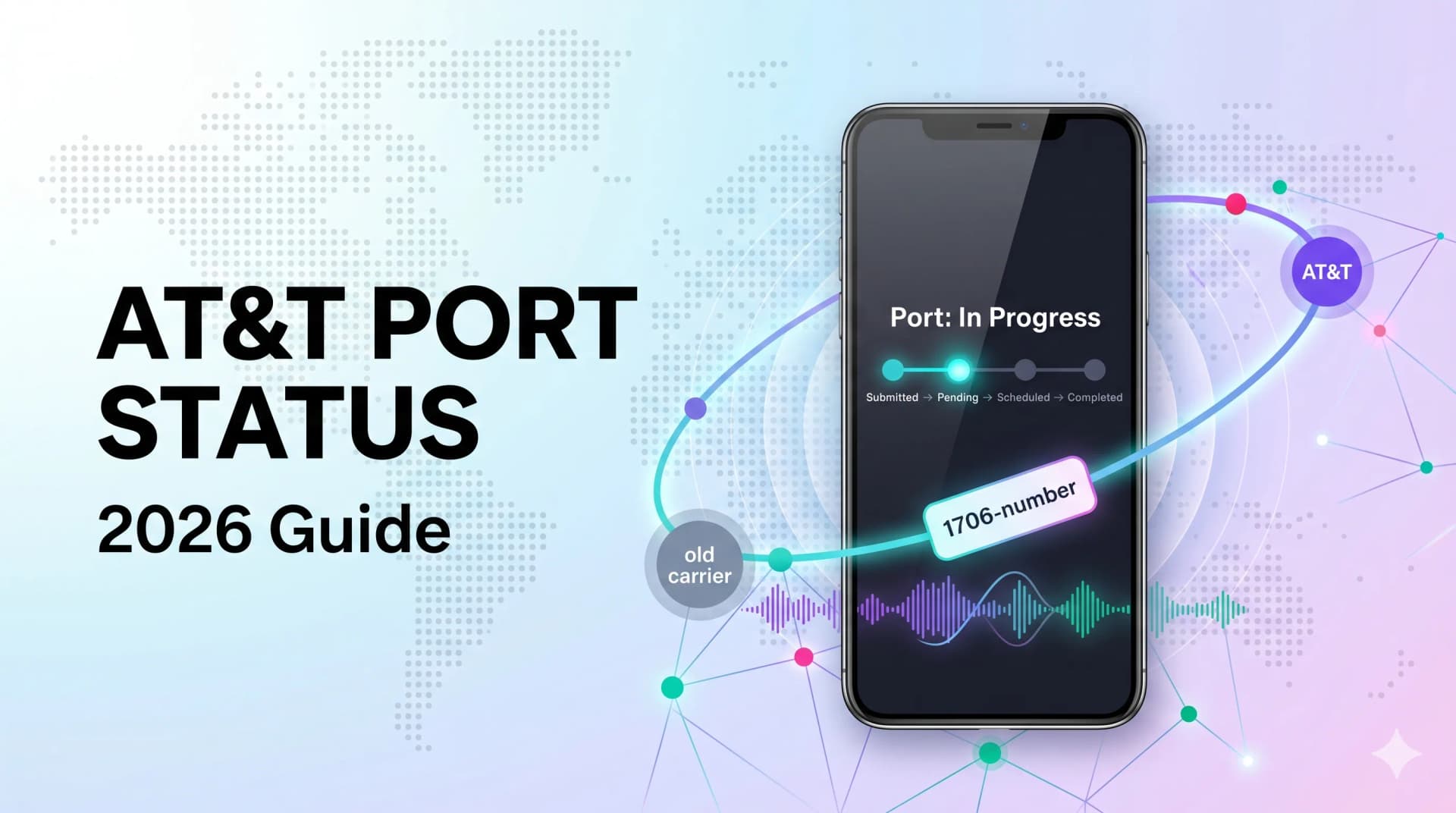
Quick answer: Check an AT&T port three ways — the online number transfer page, your AT&T account dashboard, or the porting team at 888-898-7685 (have the 10-digit number and account ZIP ready). Most wireless ports finish in 3–7 business days; a "pending" or "rejected" status is almost always a detail mismatch, a bad transfer PIN, or an open order — all fixable with one call.
You switched carriers, you're holding two phones, and you have no idea whether your number actually moved yet. That limbo is stressful — and most of the worry comes from not knowing where things stand.
This guide shows you exactly how to check an AT&T port, what each status really means, how long a transfer should take, and how to unstick one that won't budge.
What "Porting" Actually Means
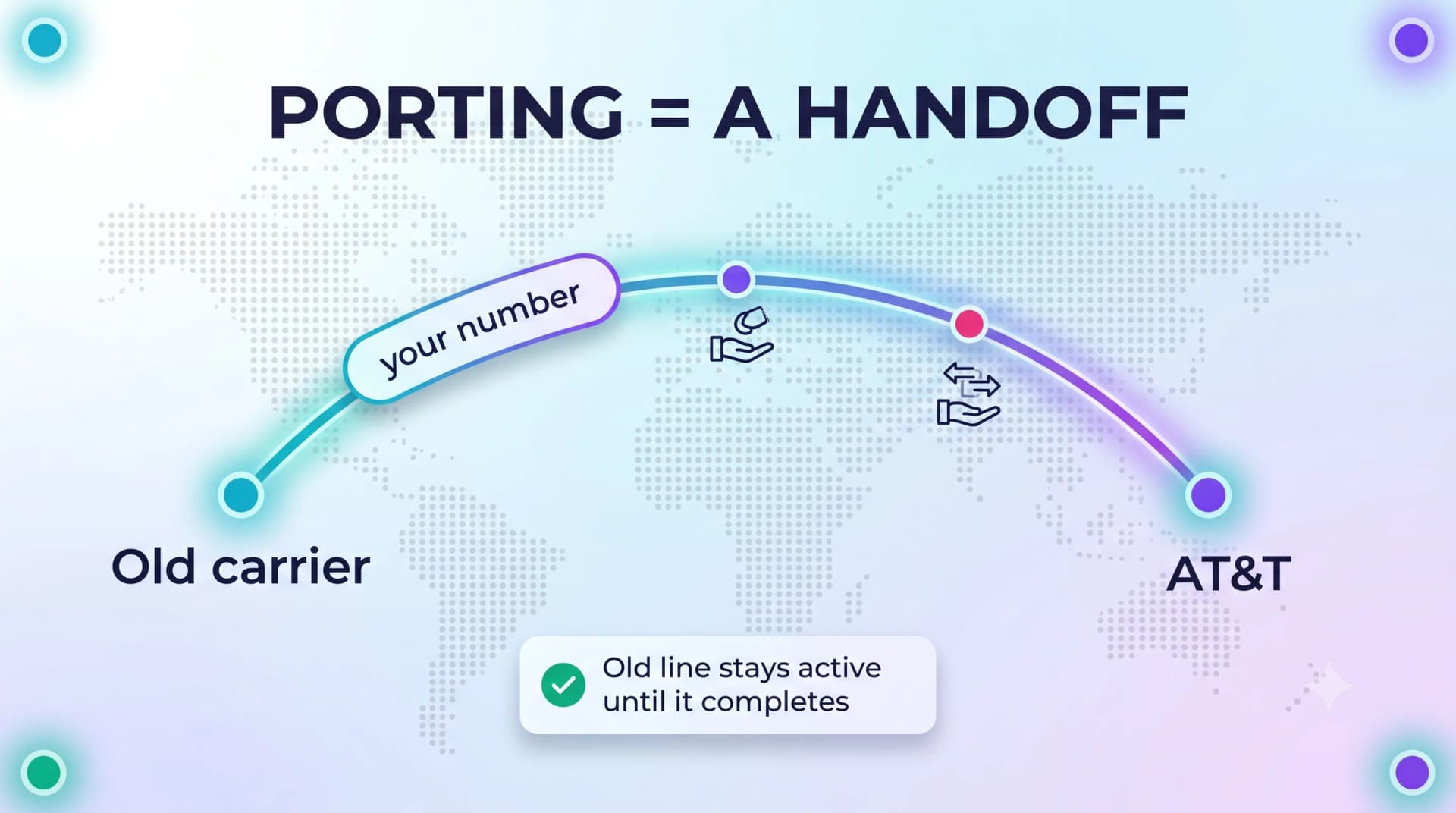
Porting is moving an existing phone number from one carrier to another. The number is yours — carriers just hand it off behind the scenes.
Why It Takes Time
Two companies have to agree the number is leaving and arriving cleanly. They cross-check your account details before releasing it.
Why You Can Still Use Your Old Phone
Until the port completes, your old line stays active. That overlap is normal and protects you from losing service mid-transfer.
How to Check Your AT&T Port Status
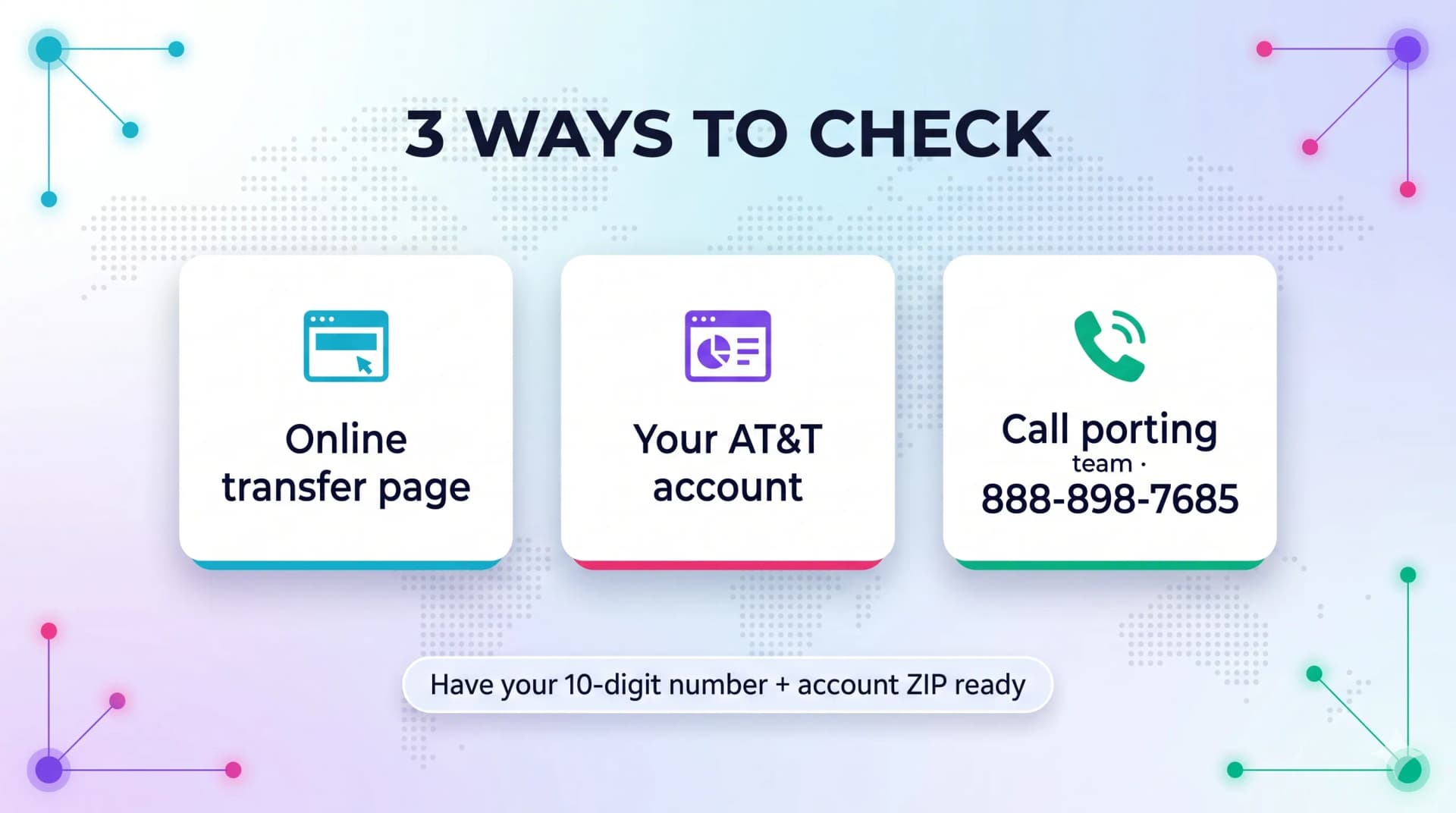
There are three reliable ways to see where your transfer stands. Have your details ready before you start.
What You'll Need
Gather the ten-digit number being transferred and the ZIP code on the AT&T account. Mismatched details are the top reason a check fails.
Method 1: The Online Status Page
AT&T runs a dedicated number transfer page. Enter the number and ZIP code, then follow the prompts to see the current stage.
Method 2: Your AT&T Account
Log in to your AT&T account and look under your line or order details. Active porting requests usually appear there with a status note.
Method 3: Call the Porting Team
AT&T's porting department can be reached directly at 888-898-7685. This skips general support and connects you to people who handle transfers all day.
Building a business phone system? My Country Mobile (MCM) ports numbers across providers with hands-on support, so you're never guessing where a transfer stands.
What Each Status Means
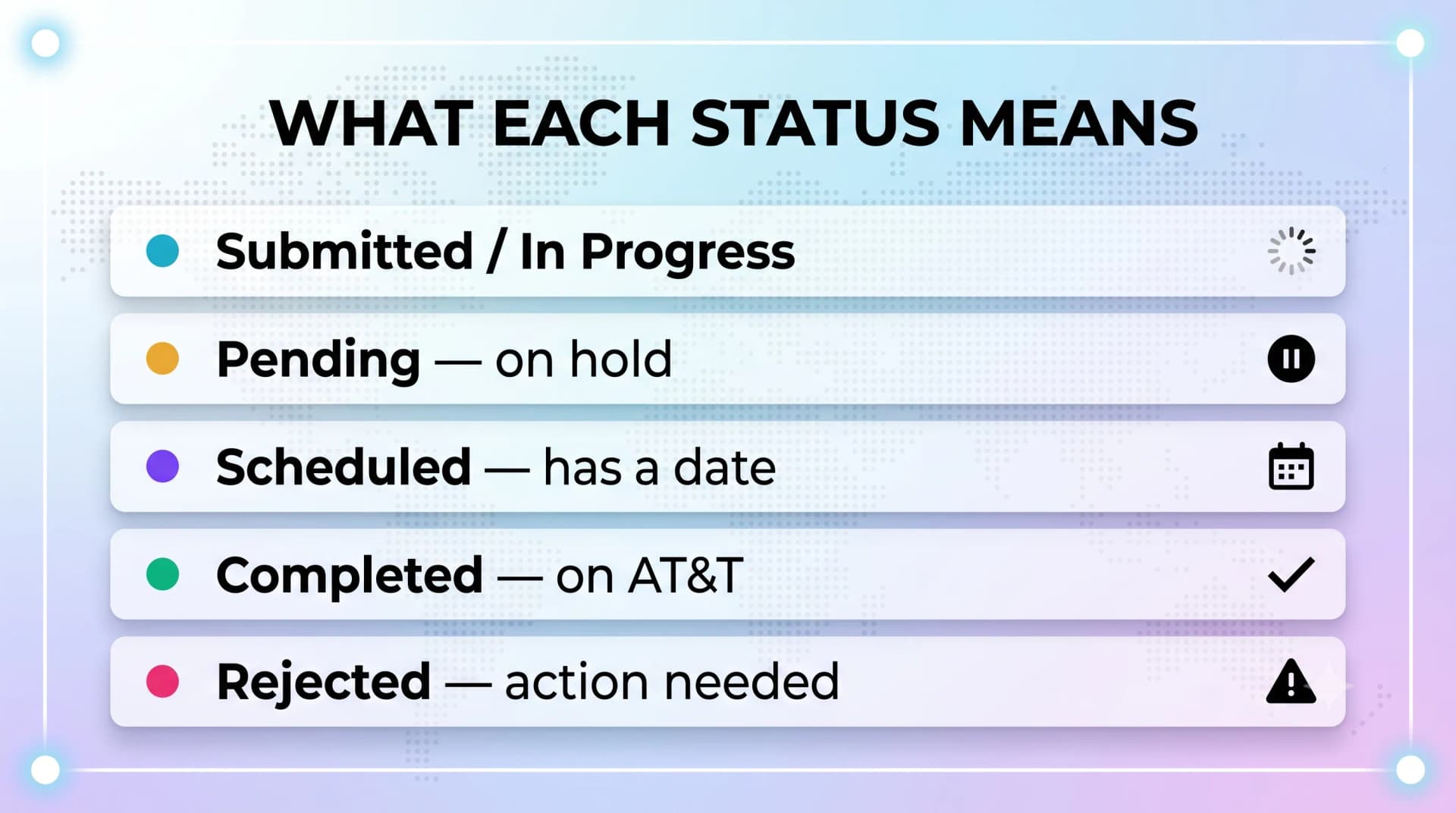
The labels can be vague. Here's how to read the common ones.
| Status | What It Means |
|---|---|
| Submitted / In Progress | The request is filed and carriers are validating it |
| Pending | Something is on hold — often a detail mismatch or an open order |
| Scheduled | Validated and assigned a completion date |
| Completed | The number is fully on AT&T's network |
| Rejected | The losing carrier declined the request — action needed |
Ready when you are
Protect your business line.
MCM's local numbers ship with verified caller ID and smart call filtering — customers always know it's really you, and spam never reaches your team.
How Long a Transfer Should Take
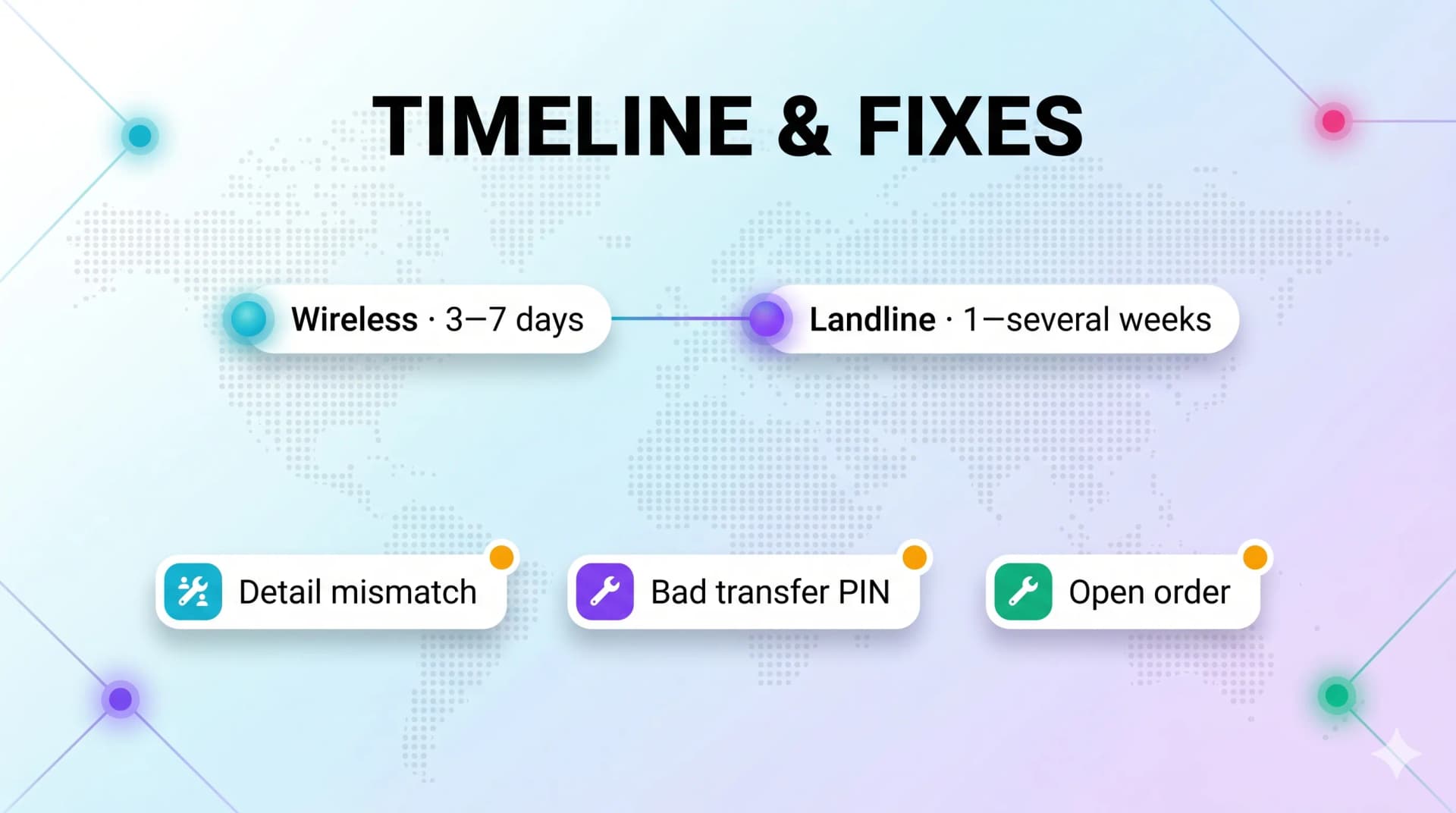
Timelines vary by your old carrier and the type of line. Knowing the normal range tells you when to worry.
Wireless Numbers
A clean wireless port typically finishes within a few minutes to a few business days. Most complete in roughly three to seven business days.
When It Runs Longer
Errors, mismatches, or open orders reset the clock. A single wrong digit can add several days before anyone notices.
Landline and Business Lines
These often take longer than wireless. Plan for one to several weeks and confirm the estimate with your provider up front.
Why Ports Get Stuck — and How to Fix Them
A "pending" or "rejected" status almost always traces to one of a few causes. Each has a clear fix.
Mismatched Account Details
The number, account number, ZIP code, or name must match your old carrier's records exactly. Pull up your last bill and confirm every field.
Wrong or Missing Transfer PIN
Most carriers now require a number transfer PIN. If yours is wrong or expired, the request bounces — request a fresh one from your old carrier.
An Open Order on the Account
If your old account has a pending change — an address update or plan switch — the number is locked until that order clears. Call them to cancel or complete it.
The Account Was Already Closed
Cancel your old service after the port completes, not before. A closed account can no longer release the number.
Switching a whole team's numbers? MCM handles bulk porting and chases down rejections for you, so a stuck transfer doesn't stall your launch.
Tips for a Smooth Transfer
A little prep prevents most delays. Follow these before you submit.
Keep the Old Line Active
Never cancel until you confirm a completed status. Premature cancellation is a leading cause of failed ports.
Get Your PIN Early
Request the transfer PIN from your old carrier before starting. Note that PINs expire — often within a few days for personal accounts.
Double-Check Every Field
Match the account number, name, and address to your old bill character for character. Accuracy here saves the most time.
Final Word
A phone number transfer feels mysterious, but it's really just two carriers confirming a few facts. Once you know how to read the status and what each stage means, the waiting gets a lot easier.
Check your status, confirm your details against your old bill, and keep that old line live until you see "completed." If something stalls, the cause is almost always a detail mismatch or an open order — both fixable with one phone call.
Moving numbers for a business? MCM manages porting end to end, so you can focus on going live instead of refreshing a status page.
Ready when you are
Ready to sound local everywhere you sell?
MCM activates business numbers in minutes, with call routing, analytics, and CRM-ready integrations. Start your trial — no card to browse inventory.
FAQs
How do I check my AT&T port status?
Use AT&T's online number transfer page, your AT&T account dashboard, or call the porting team at 888-898-7685. Have the number and account ZIP code ready.
How long does an AT&T number transfer take?
Most wireless ports complete within three to seven business days. Errors or open orders can extend that, and landline transfers often take longer.
Why is my port stuck on pending?
Pending usually means a detail mismatch, a missing transfer PIN, or an open order on your old account. Each is fixable with a quick call to your former carrier.
What is a number transfer PIN?
It's a security code from your current carrier that authorizes the transfer. Request it before you start, since these PINs expire quickly.
Should I cancel my old service before the port finishes?
No. Keep the old line active until the status reads "completed." A closed account cannot release the number.
What if my transfer was rejected?
A rejection means your old carrier declined the request, usually over mismatched details or an open order. Correct the information and resubmit.