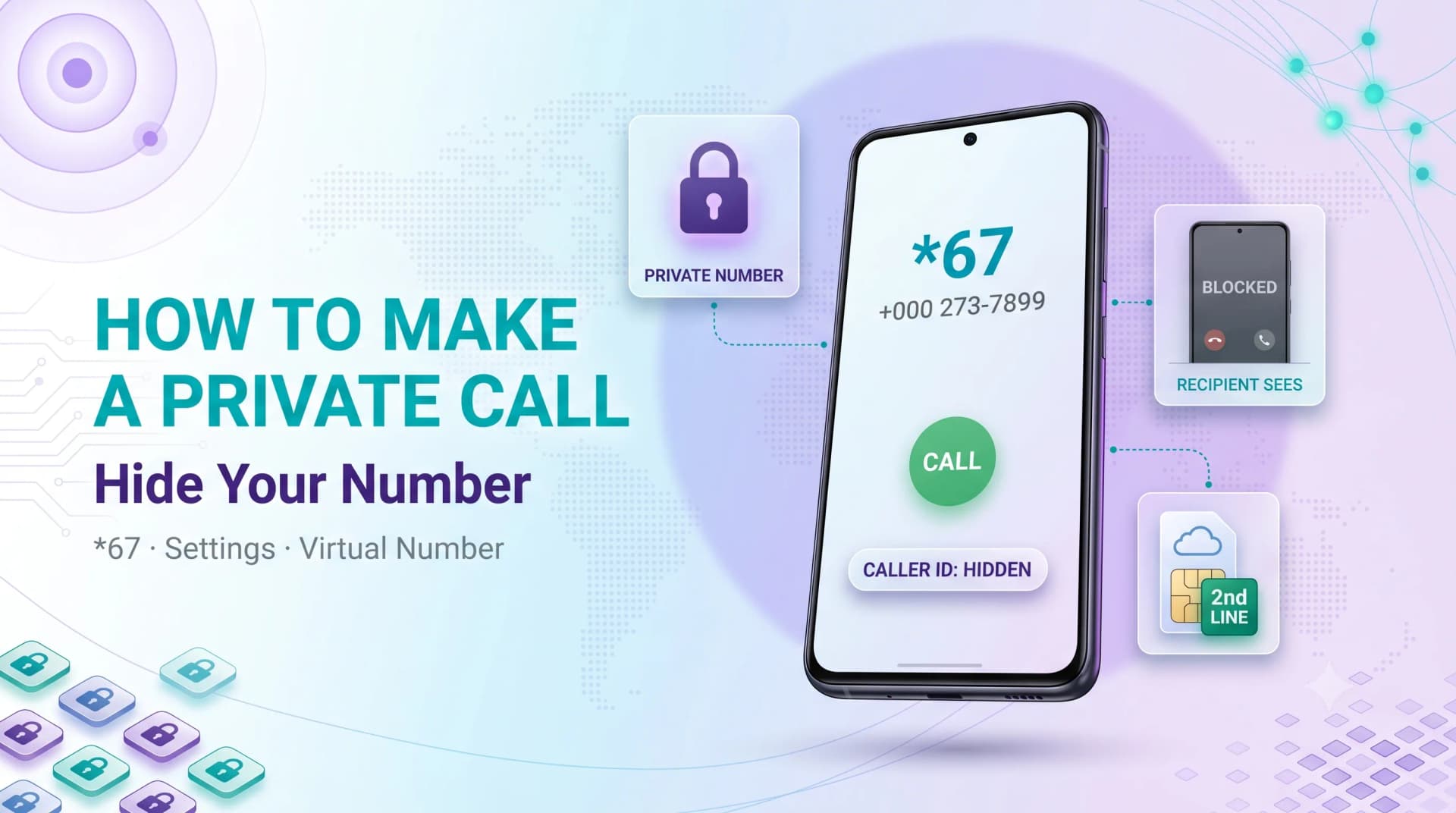
How to Make a Private Call So Your Number Stays Hidden
Sometimes you have a perfectly good reason not to flash your number — returning a stranger's missed call, selling something online, or simply keeping your personal line off someone's contact list.
Hiding your caller ID is quick, free, and built into every phone. You just need to know which method fits the situation.
This guide covers the one-off code, the permanent phone settings on iPhone and Android, and the honest limits of what number-hiding can and can't do.
WHAT A PRIVATE CALL ACTUALLY IS
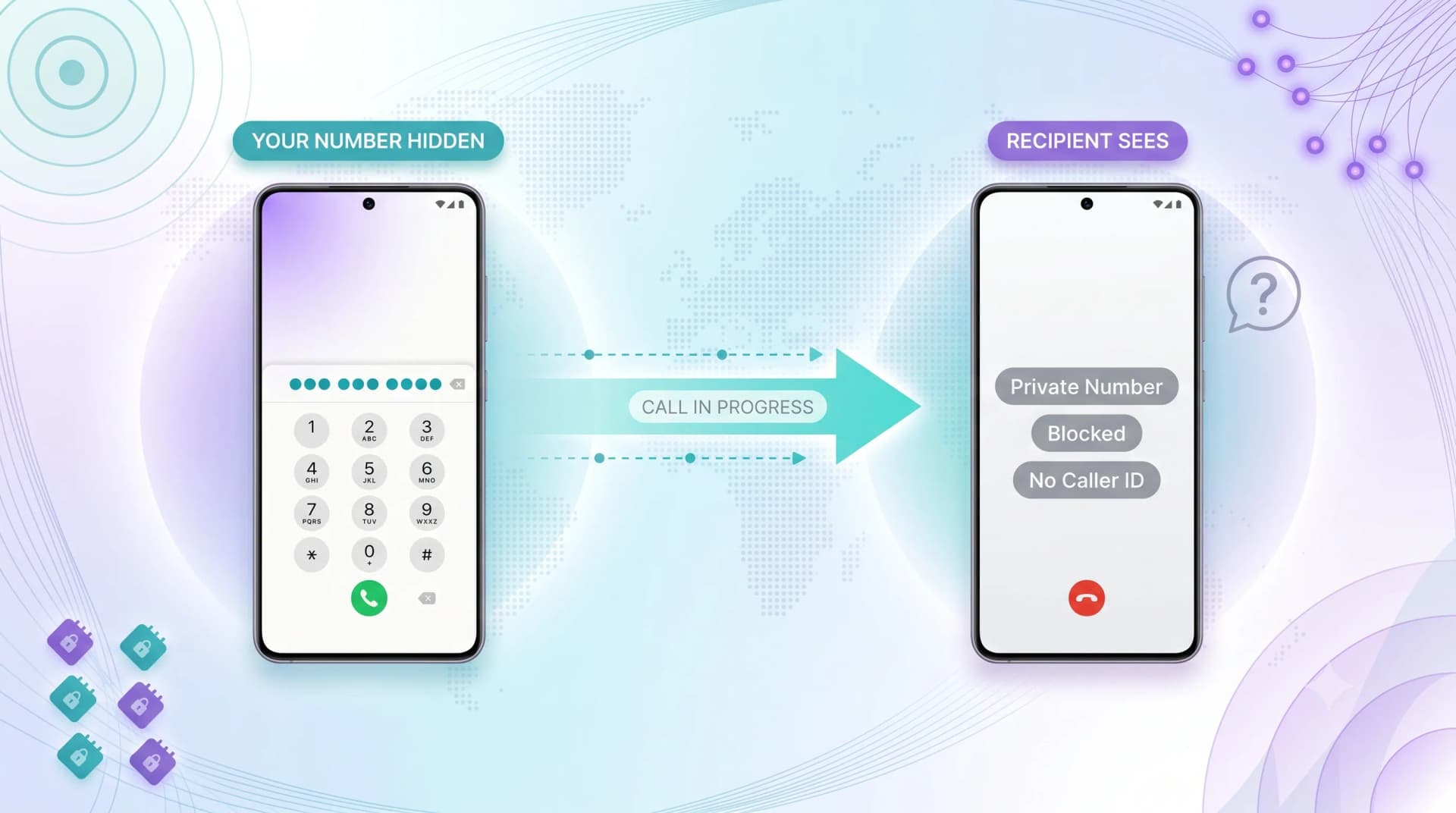
A private call is a regular call where your caller ID — the number that normally appears on the recipient's screen — is withheld.
Instead of your number, the recipient sees "Private," "Blocked," "No Caller ID," or "Unknown," depending on their carrier and phone.
When Hiding Your Number Makes Sense
There are plenty of legitimate reasons: contacting a buyer on a classifieds site, returning a call to an unknown number, or keeping a work call off your personal record.
It's a privacy tool, not a disguise — the methods below are all standard, carrier-supported features.
What It Doesn't Do
Hiding your caller ID doesn't make you untraceable. Your carrier still logs the call, and emergency services and some businesses can still see your number.
If anonymity is the goal, that's a different problem — covered later in this guide.
METHOD 1: HIDE YOUR NUMBER FOR A SINGLE CALL WITH *67
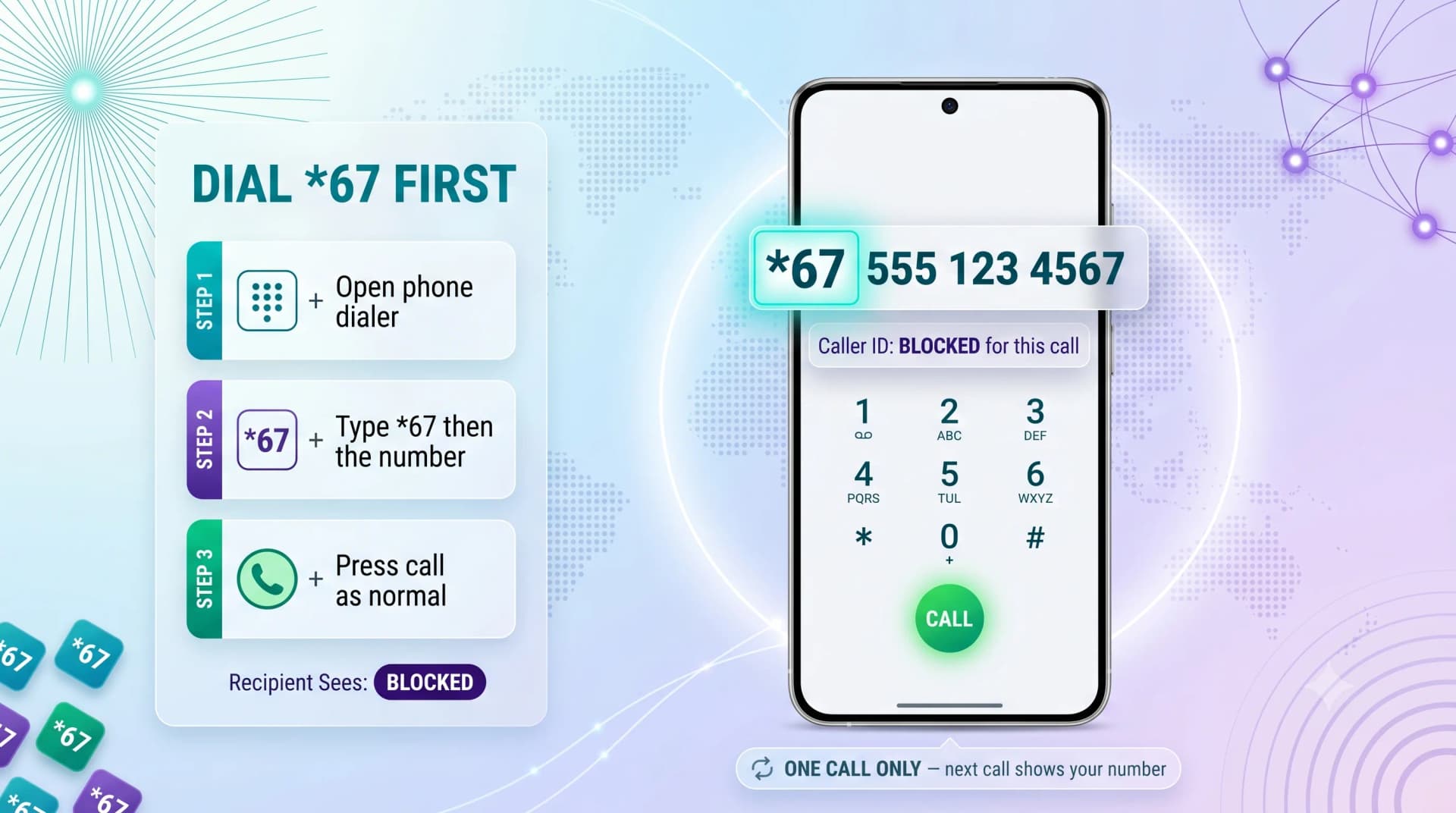
The fastest way to make one private call is the *67 prefix. It works on both iPhone and Android with no setup.
How to Use *67
Open your phone's dialer, type *67, then the full number you want to call. For example: *67 555 123 4567.
Press call as normal. For that one call, the recipient sees "Blocked" or "Private" instead of your number.
Good to Know About *67
*67 affects only that single call — your next call shows your number again. Nothing to switch back.
In some countries the code differs (see the table further down), but *67 is standard across the US and Canada and still works in 2026.
Quick tip: If you're hiding your number because you're getting unwanted calls back, a separate virtual number is often a cleaner fix. MCM's virtual numbers let you keep your personal line genuinely private — explore them in about 5 minutes.
Ready when you are
Protect your business line.
MCM's local numbers ship with verified caller ID and smart call filtering — customers always know it's really you, and spam never reaches your team.
METHOD 2: HIDE YOUR NUMBER PERMANENTLY IN PHONE SETTINGS
If you want every outgoing call private by default, both iPhone and Android let you switch caller ID off in settings.
On iPhone
Open Settings, tap Apps (or Phone directly), then Phone, then Show My Caller ID. Toggle it off.
This works on iPhones running iOS 12 or later. If the option is greyed out, your carrier controls it — call them to enable it.
On Android
Open the Phone app, tap the three-dot menu, then Settings. Find Calling accounts or Caller ID, then choose Hide number.
Menu names vary slightly by manufacturer, but the path is always inside the Phone app's settings.
Showing Your Number for One Call
With permanent blocking on, you can un-hide for a single call by dialing *82 before the number. The recipient sees your number for that call only.
This is the reverse of *67 — useful when calling someone who screens anonymous calls.
METHOD 3: ASK YOUR CARRIER TO BLOCK IT AT THE NETWORK LEVEL
Your mobile carrier can set permanent caller ID blocking on your line directly, which can be more reliable than a phone setting.
A quick call to customer support or a change in your online account is usually all it takes. This is also the fix when the in-phone toggle is locked.
Worth saving: Managing privacy across a team or several lines? Our free Call Privacy Setup Guide walks through caller ID settings for every major carrier and device. Grab it from the MCM resources page.
CALLER ID BLOCKING CODES BY REGION
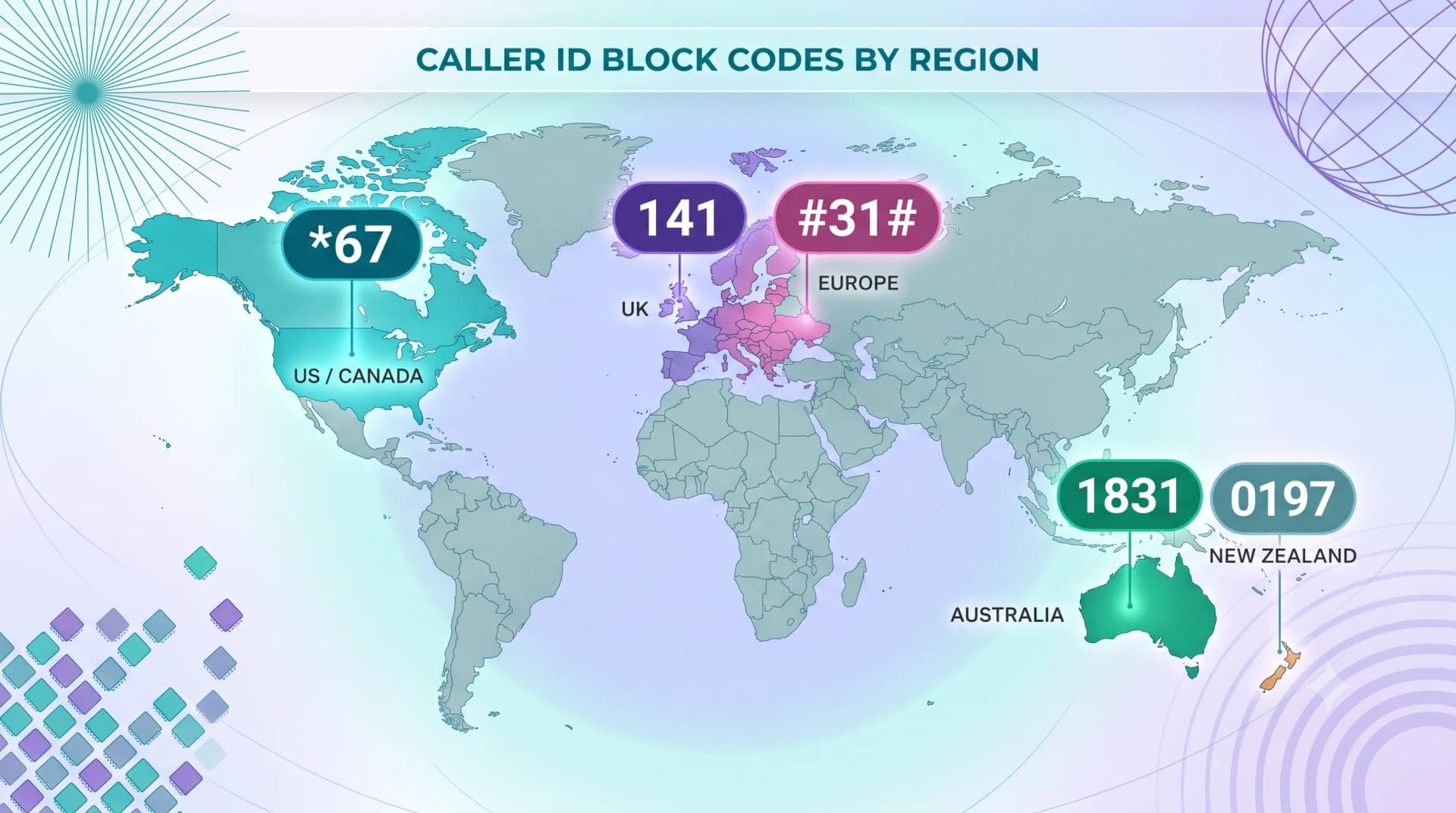
The *67 code is North American. Other regions use their own prefixes for the same one-off block.
| Region | Code to Hide Number | Notes |
|---|---|---|
| United States / Canada | *67 | Standard one-off block |
| United Kingdom | 141 | Dial before the number |
| Australia | 1831 | Per-call caller ID block |
| Much of Europe / GSM networks | #31# | GSM standard prefix |
| New Zealand | 0197 | Per-call withhold |
If a code doesn't work on your line, your carrier can confirm the correct prefix or set blocking up for you.
METHOD 4: USE A SEPARATE VIRTUAL NUMBER
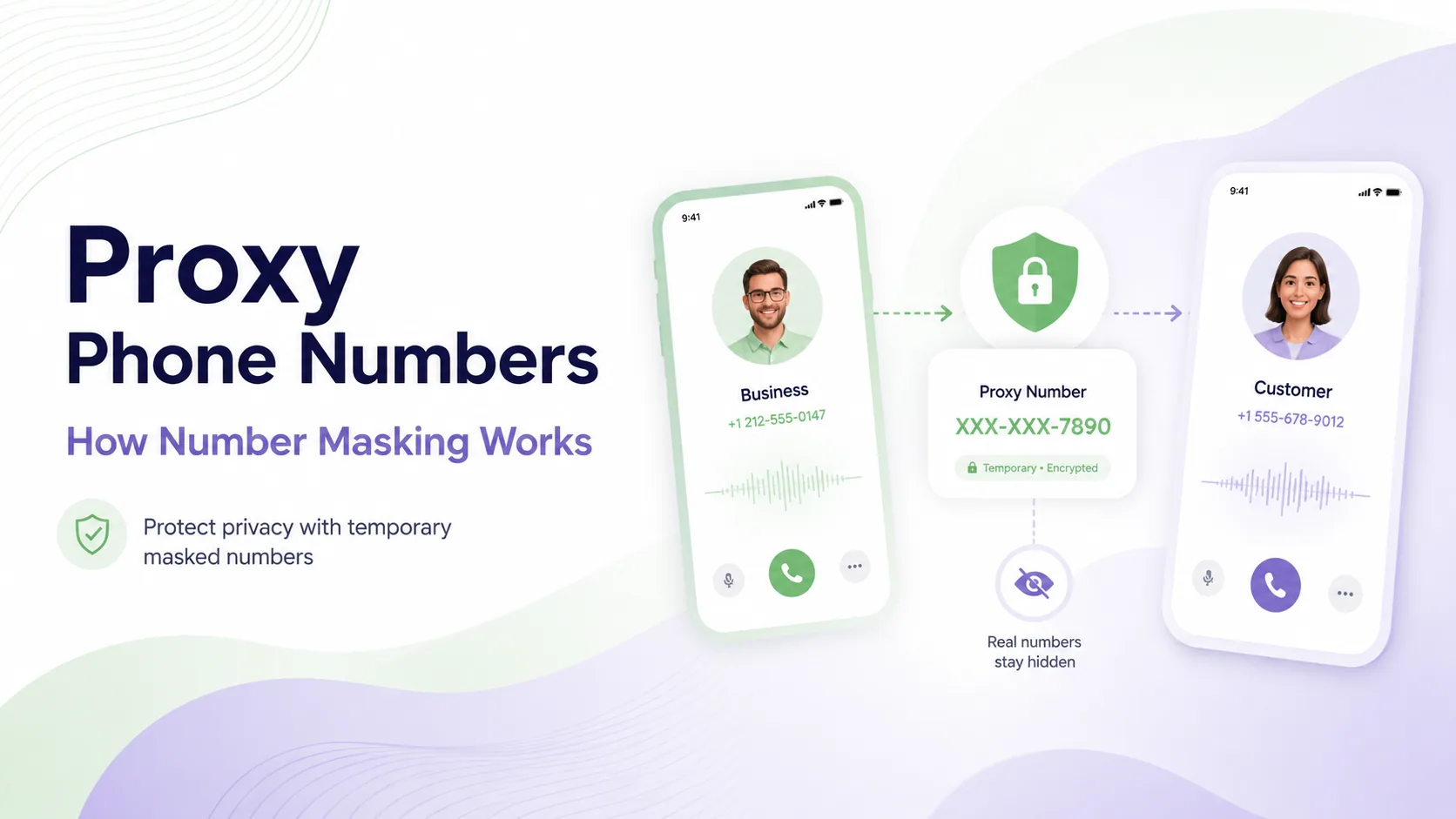
For lasting privacy, the cleanest approach isn't hiding your number — it's using a different one.
A virtual number is a second line that works through an app, with no extra SIM. You give it out instead of your personal number for selling, dating, freelance work, or any situation where you'd rather not share your real line.
Unlike a withheld caller ID, the recipient sees a real, working number — so they're more likely to answer — while your personal number stays completely off the radar.
WHERE HIDING YOUR NUMBER WON'T WORK
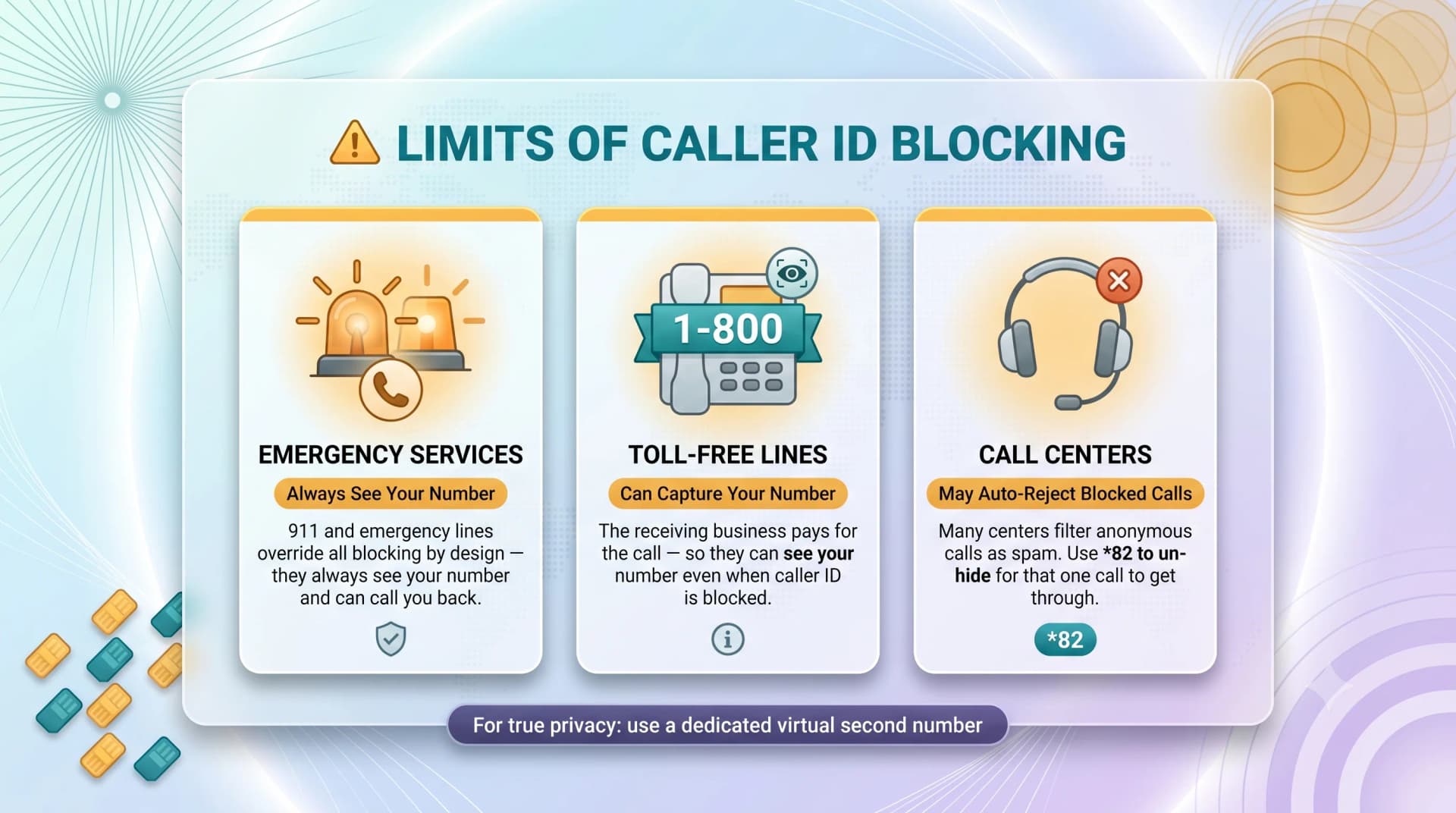
Caller ID blocking has firm limits. Knowing them prevents an awkward surprise.
- Emergency services always see your number, regardless of any block. This is by design and cannot be overridden.
- Toll-free numbers can capture your number even when caller ID is hidden, since the receiving business pays for the call.
- Some businesses and call centers reject or auto-decline calls with no caller ID, so a hidden number simply won't get through.
WHAT TO DO NEXT
For a quick one-off, *67 (or your region's code) is all you need. For an always-on setup, switch the toggle in your phone settings or ask your carrier.
But if you find yourself hiding your number often, that's a sign you need a real second line — a private number you can hand out freely without exposing your personal one.
MCM offers virtual numbers across 190+ countries with setup in minutes and no contracts. See the options at mycountrymobile.com, trusted by 17,500+ businesses.
Ready when you are
Ready to sound local everywhere you sell?
MCM activates business numbers in minutes, with call routing, analytics, and CRM-ready integrations. Start your trial — no card to browse inventory.
FAQs
*Does 67 still work in 2026?
Yes. Dialing *67 before a number still hides your caller ID for that single call on US and Canadian networks. The recipient sees "Private" or "Blocked" instead of your number.
Will the person I call know it's me?
No — they'll only see "Private," "Blocked," or "No Caller ID." They won't know your number or your name unless you've contacted them before and they recognize other clues.
Can I hide my number on every call automatically?
Yes. Turn off "Show My Caller ID" in iPhone settings or set "Hide number" in the Android Phone app. Your carrier can also apply permanent blocking at the network level.
Does hiding my caller ID also hide my number in texts?
No. Caller ID blocking applies only to voice calls. SMS and MMS messages always show your number, so a code like *67 has no effect on texting.
Can emergency services still see my number if I call privately?
Yes, always. Emergency lines like 911 override all caller ID blocking by design, so first responders can locate and call you back. You cannot hide your number from them.
Why won't my private call connect to some businesses?
Many call centers and toll-free lines automatically reject calls with no caller ID to filter spam. To reach them, dial *82 before the number to show your caller ID for that one call.
Is making a private call the same as being anonymous?
No. A private call only withholds your number from the recipient's screen. Your carrier still logs the call, and it can be traced. For genuine separation, use a dedicated virtual number instead.