Virtual number

如何關閉呼叫轉移(iPhone、Android 等)

如何在 iPhone、Android 和固定電話上關閉呼叫轉接 — 明確的步驟、運營商代碼以及用於全部取消的通用 ##002# 代碼。

Akil Patel

資深作家

Mar 17, 20256 min read
分享
How to turn off call forwarding on iPhone, Android, and more devices

介紹

You picked up your phone, saw zero missed calls all day, and then found out three customers couldn't reach you. Call forwarding was still on — quietly sending everything somewhere else.

It's an easy fix once you know where to look. This guide walks through turning off call forwarding on iPhone, Android, landlines, and VoIP systems, plus the carrier codes that work when the menus don't. We'll finish with a 30-second test so you know it actually stuck.

FIRST: CHECK IF CALL FORWARDING IS EVEN ON

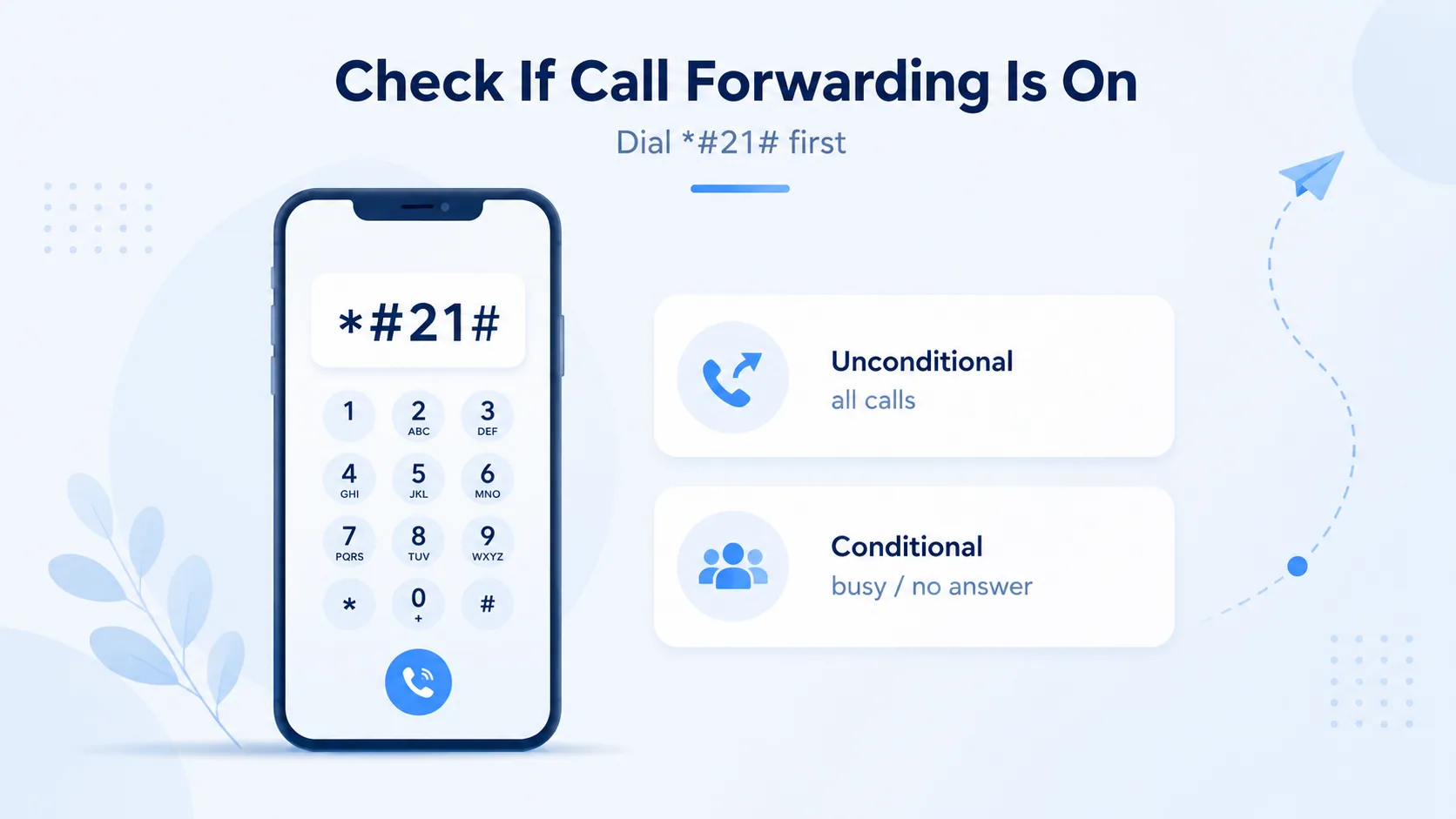
Dial *#21# to check if call forwarding is on and whether it's unconditional or conditional

Before changing anything, confirm what's active. On most phones you can check in seconds.

Dial *#21# and press call. Your screen shows whether forwarding is enabled and the number calls are being sent to.

The Two Types of Forwarding

  • Unconditional: Every call is redirected immediately, no matter what.
  • Conditional: Calls forward only when you're busy, don't answer, or are unreachable.

Knowing which type is on matters — conditional forwarding sometimes needs a separate code to clear.

HOW TO TURN OFF CALL FORWARDING ON IPHONE

The iPhone keeps this in plain settings, no codes required.

  1. Open the Settings app.
  2. Tap Phone.
  3. Tap Call Forwarding.
  4. If the toggle is green, tap it so it turns gray.

That's the whole process. If you don't see Call Forwarding under Phone, your carrier may manage it on a CDMA network — skip to the carrier codes section below.

當你準備好時

保護您的業務線。

MCM 的本地號碼附帶經過驗證的來電顯示和智慧呼叫過濾 - 客戶始終知道是您本人,垃圾郵件永遠不會到達您的團隊。

取得您的本地號碼

HOW TO TURN OFF CALL FORWARDING ON ANDROID

Android hides the setting a little deeper, and the wording shifts between brands.

Standard Android (Pixel and Most Phones)

  1. Open the Phone app.
  2. Tap the three-dot menu in the top-right corner.
  3. Tap Settings, then Calls.
  4. Tap Call forwarding.
  5. Open each active option and select Turn off.

Samsung Phones

Samsung labels the path differently. Go to Phone app → Settings → Supplementary services → Call forwarding, then disable each active type.

Clear Every Type at Once

Android shows separate toggles for Always, When Busy, When Unanswered, and When Unreachable. Turn off each one — clearing only "Always" can leave a conditional forward running.

If you manage a team's phones, doing this one device at a time gets old fast. A VoIP system like My Country Mobile (MCM) lets you control forwarding for every line from one dashboard — no menu-digging on each handset.

CARRIER CODES THAT CANCEL FORWARDING

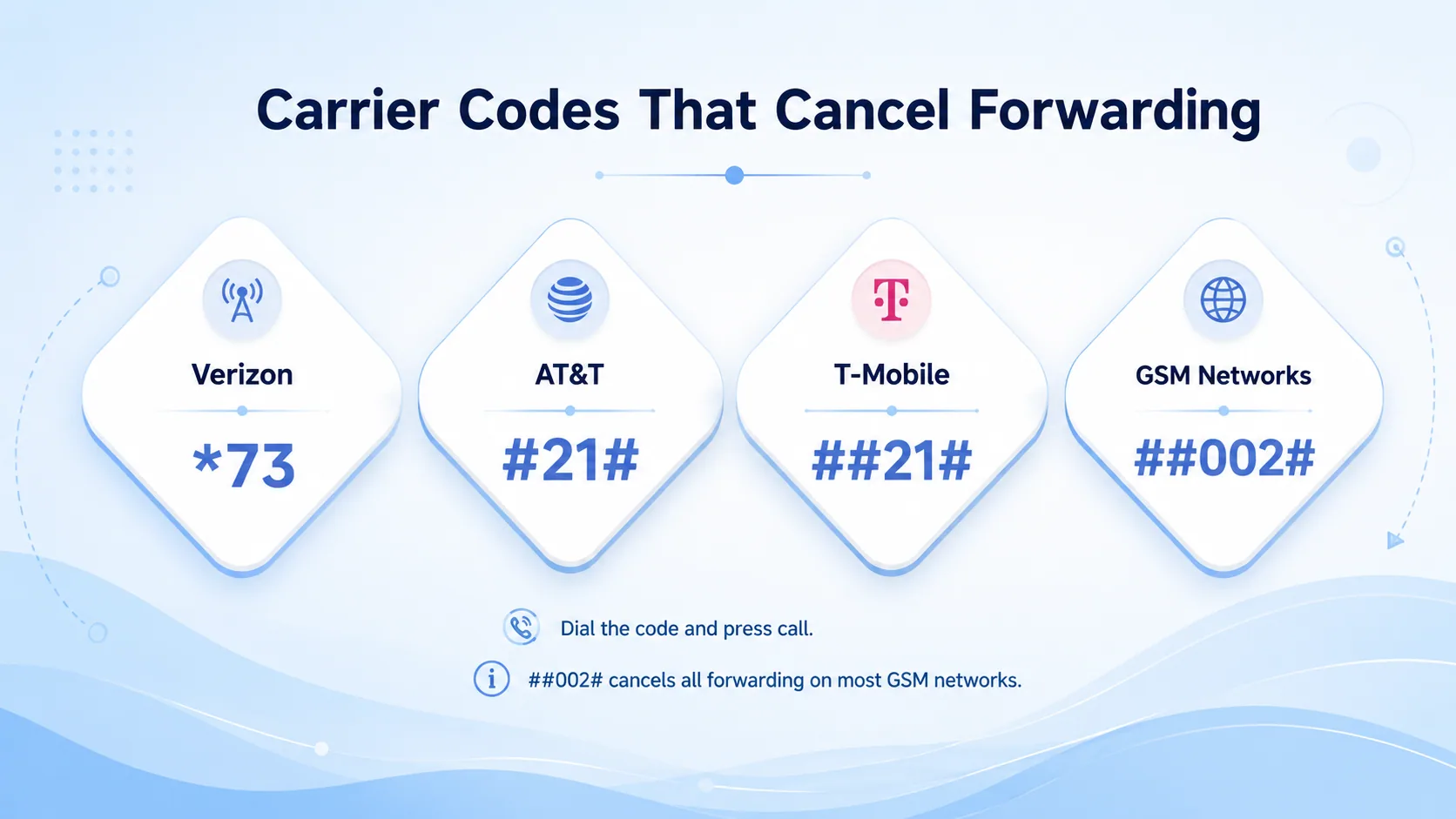
Carrier codes to cancel call forwarding: Verizon *73, AT&T #21#, T-Mobile ##21#, GSM networks ##002#

When the on-screen menus won't cooperate, dialer codes work directly through the network. They're fast — but the right code depends on your carrier.

Carrier / NetworkCode to cancel forwarding
Verizon (and CDMA)*73
AT&T#21#
T-Mobile##21#
Most GSM networks (universal)##002#

How to Use Them

Type the code into your dialer and press call. Wait for a confirmation tone or message, then hang up.

The ##002# code is the catch-all — it cancels every type of forwarding on most GSM carriers worldwide. For Verizon, use *73 instead.

HOW TO TURN OFF CALL FORWARDING ON A LANDLINE

Traditional landlines rely almost entirely on star codes, and the exact one varies by provider.

  1. Pick up the handset and wait for the dial tone.
  2. Dial *73 — the most common deactivation code.
  3. Listen for a confirmation tone.
  4. Hang up.

If *73 does nothing, check your phone company's website — some regions use a different code, or offer an online account portal.

HOW TO TURN OFF CALL FORWARDING ON A VOIP SYSTEM

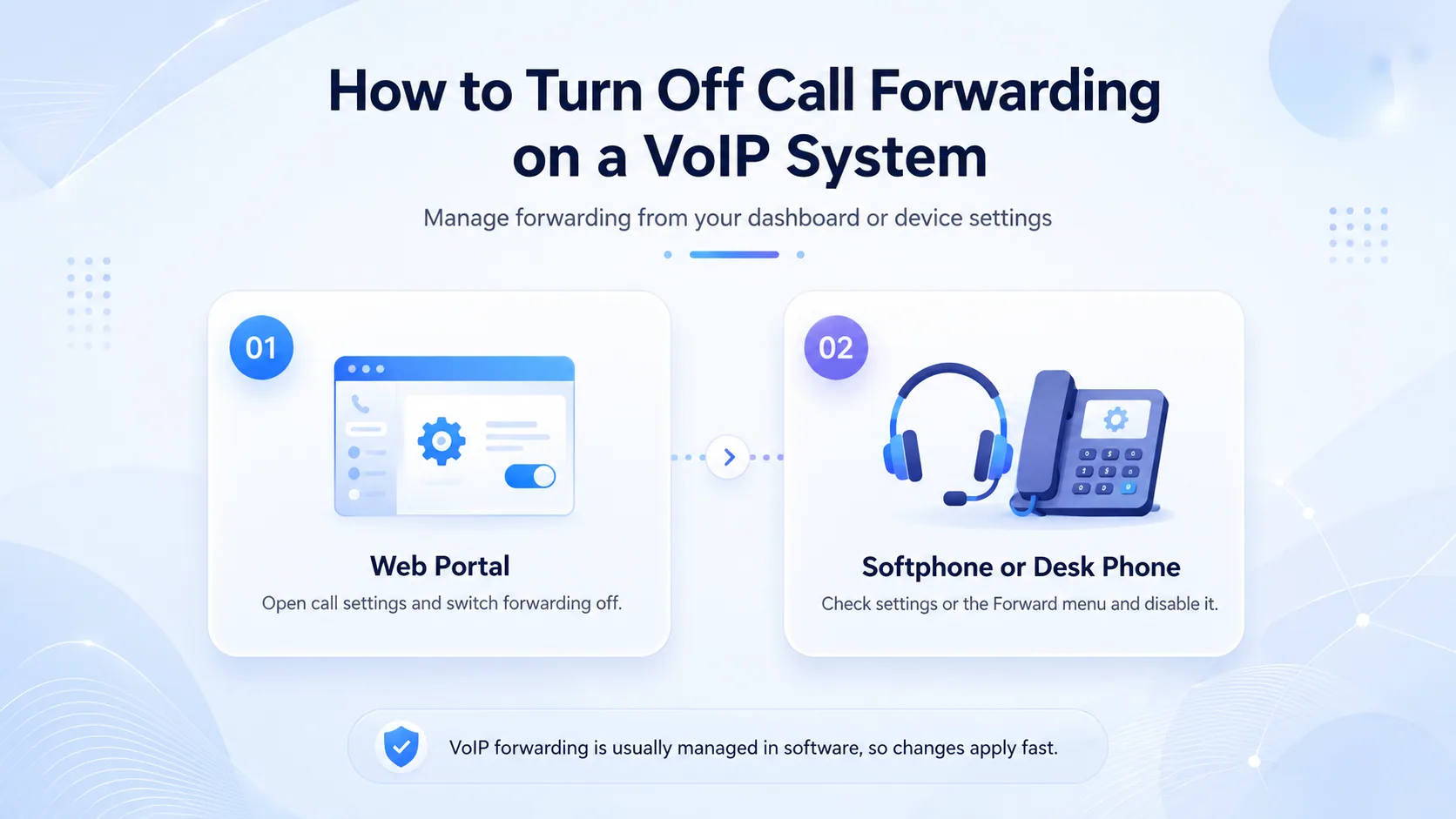
Turn off call forwarding on a VoIP system via the web portal or a softphone or desk phone

VoIP phones keep forwarding in software, which is actually the easiest place to manage it.

Web Portal

Log into your provider's dashboard, find call settings, and switch forwarding off. With MCM, it's a single toggle — and changes apply instantly across your account.

Softphone or Desk Phone

In a softphone app, check Settings or Preferences for a call forwarding section. On a physical VoIP desk phone, look for a "Forward" key or a forwarding menu — the manual will name it exactly.

COMMON MISTAKES TO AVOID

A few small slip-ups make people think forwarding won't turn off when it already has.

Clearing Only One Type

If both unconditional and conditional forwarding are active, turning off one leaves the other working. Disable every type.

Skipping the Confirmation Tone

After a star code, wait for the beep or message. Hanging up too early can cancel the request before it registers.

Not Restarting the Phone

If a setting looks off but calls still redirect, restart the phone. A reboot clears temporary glitches that block the change.

FINAL STEP: TEST IT

Don't trust the menu — trust a real call. Ask a friend to call you, or call yourself from another phone.

If the call rings on your phone, forwarding is off. If it still lands elsewhere, dial *#21# to recheck the status, or contact your carrier — occasionally the block is on their end.

Running a business line and tired of chasing settings on every device? MCM's cloud phone system puts call forwarding, voicemail, and routing in one place — adjust any line in seconds, from anywhere. Start a free trial at mycountrymobile.com, no credit card needed.

當你準備好時

準備好在您銷售的任何地方聽起來都很本地化了嗎?

MCM 透過呼叫路由、分析和 CRM 就緒集成,可在幾分鐘內啟動業務號碼。開始免費試用—無需卡片即可瀏覽庫存。

開始免費試用

FAQs

What is the universal code to turn off call forwarding?

##002# cancels all call forwarding on most GSM carriers worldwide — including AT&T and T-Mobile. Verizon and other CDMA networks use *73 instead.

How do I turn off call forwarding on iPhone?

Open Settings, tap Phone, tap Call Forwarding, and switch the toggle off so it turns gray. iPhones manage this in settings rather than with star codes.

How do I know if call forwarding is still on?

Dial *#21# and press call. Your phone displays whether forwarding is active and which number your calls are being routed to.

Why are my calls still being forwarded after I turned it off?

You likely cleared only one type of forwarding. Turn off every option — Always, When Busy, When Unanswered, and When Unreachable — then restart your phone and test.

Can I turn off call forwarding remotely?

With VoIP systems like MCM's, yes — through the online portal from any device. For standard mobile and landline service, you generally need the phone itself or your carrier's account tools.

What's the difference between call forwarding and call waiting?

Call forwarding sends incoming calls to another number. Call waiting alerts you to a second call while you're already on one. They're separate features with separate settings.

Will the caller know their call was forwarded?

Usually not. The caller is simply connected to the forwarding destination with no notice. Some systems may play a brief tone, but most give no indication.

撰寫者

Akil Patel

資深作家

Akil 編寫了有關北美營運團隊使用的電話號碼、撥號規則和區號參考的 MCM 現場指南。

嘗試平台。 午餐前接電話。

相同的產品、相同的支援、相同的安全性 - 無論您選擇哪個計劃。