Do you actually need a SIP trunk at home?
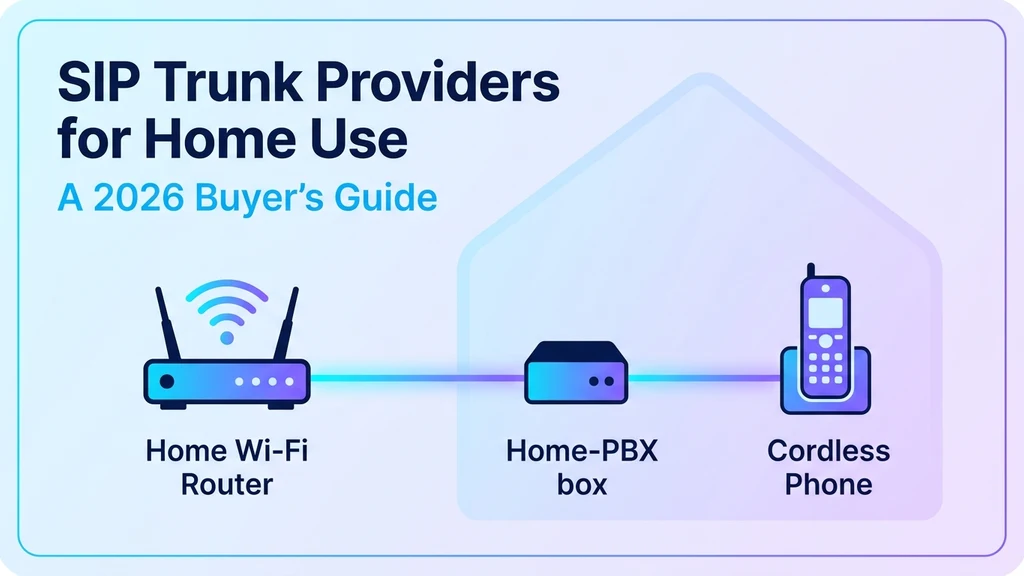
SIP trunking is usually described as business infrastructure, but a growing number of households run their own — typically someone running a home PBX (FreePBX, Asterisk, or a similar system) who wants real phone lines without paying a traditional carrier for a landline, or a household that's cut the cord entirely and wants more control over calling than a consumer VoIP app offers.
This guide covers what a SIP trunk actually gives a home setup, the criteria that separate a good residential provider from a bad fit, and the red flags worth checking before signing up.
What a home SIP trunk actually replaces
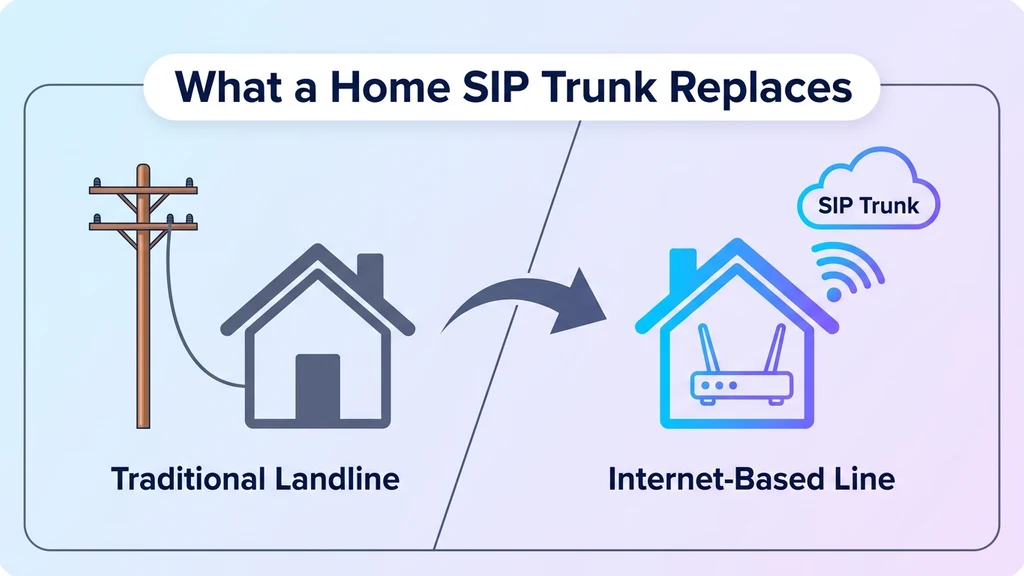
A SIP trunk is a virtual phone line delivered over the internet instead of physical copper wire. Instead of a telecom company running a cable to the house, a SIP trunk provider issues one or more phone numbers and routes calls to a home PBX system or a SIP-compatible device over the existing internet connection.
For a home user, this typically replaces one of two things: a traditional landline that's become expensive to keep, or a consumer VoIP app that's too limited for someone who wants multiple lines, call recording, or a real PBX system running in the house.
Why some home users choose SIP trunking over a landline or app
Cost at low call volume. A home SIP trunk is usually billed per minute or per channel rather than a flat monthly landline fee, which can be significantly cheaper for a household that doesn't make many calls.
Multiple lines on one connection. A single SIP trunk can carry several simultaneous calls — useful for a home office, a household with several family members who want separate numbers, or anyone running a small home-based business.
Full control over the phone system. Running SIP trunking into a home PBX unlocks features consumer apps don't offer: custom voicemail routing, call recording, extensions for different rooms or family members, and integration with smart-home or automation systems.
Keeping an old number alive. Number porting lets a household move a decades-old landline number onto a SIP trunk, avoiding the cost of the underlying landline while keeping the number everyone already has.
Ready when you are
Protect your business line.
MCM's local numbers ship with verified caller ID and smart call filtering — customers always know it's really you, and spam never reaches your team.
The criteria that actually matter for a home setup
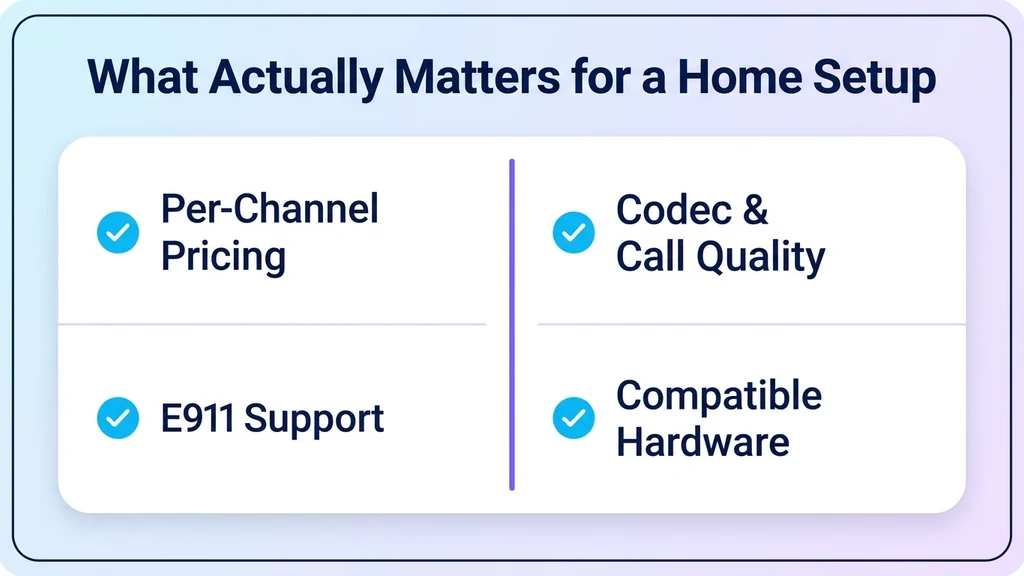
Business SIP trunk buying guides focus heavily on enterprise-scale concerns — bulk minute pricing, carrier-grade SLAs, and compliance. A home user should weigh a different set of criteria:
1. Per-minute and per-channel pricing that fits low volume. Many business-focused SIP providers price for volume a household will never reach. Look specifically for residential or low-volume pricing tiers rather than enterprise rate decks.
2. E911 support. This is the single most important safety criterion for a home line. Confirm the provider registers the physical address correctly with emergency services — VoIP numbers don't automatically know where a call is coming from the way a landline does.
3. Codec and call quality on a home connection. A home internet connection isn't dedicated business bandwidth, so ask specifically how the provider performs on a typical residential connection, not just a data-center benchmark.
4. Compatibility with home PBX software. Confirm the provider is tested and documented for whatever system the household is running — FreePBX, Asterisk, or a similar platform — since configuration details vary between them.
5. Simple setup without a business sales process. A home user shouldn't need an account manager or a minimum seat count. Look for self-service signup and clear documentation aimed at hobbyists, not enterprise procurement.
Provider types: who actually fits a home setup
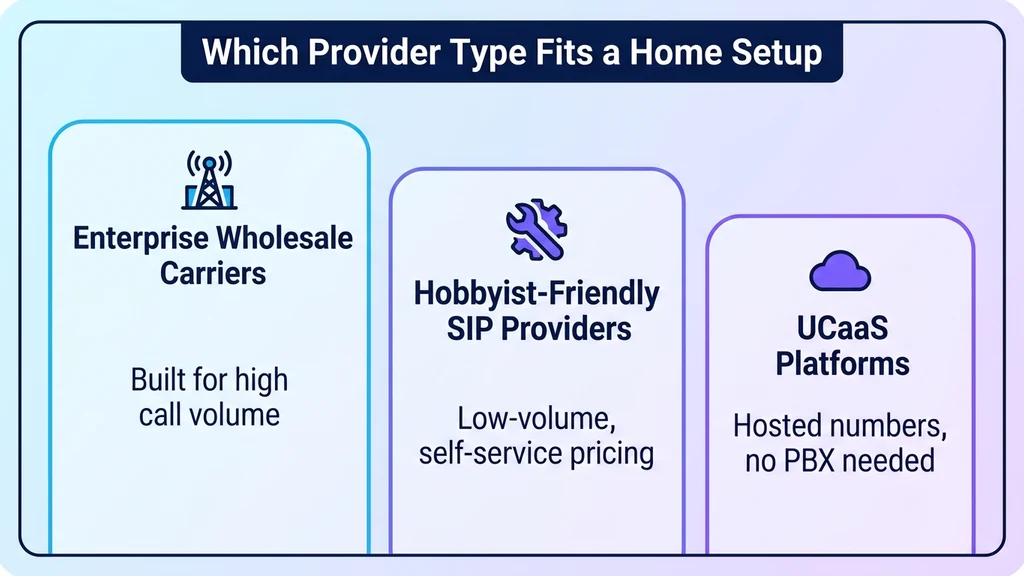
Not every SIP trunk provider is built for residential use, and knowing the category narrows the search fast.
Enterprise-first wholesale carriers are built around high call volumes and dedicated support contracts. They're rarely a good fit for a single household — pricing and onboarding both assume much larger scale.
Hobbyist-friendly SIP providers specifically publish low-volume, pay-as-you-go pricing and documentation aimed at home PBX enthusiasts. This category is the natural starting point for most residential setups.
UCaaS platforms — a single cloud system for calling, messaging, and video — increasingly offer virtual numbers that work for a home setup without requiring a separate PBX at all, which suits a household that wants the benefits of SIP trunking without running its own server. My Country Mobile issues virtual numbers that support this kind of lightweight residential setup alongside its business offerings. Contact us to check whether a hosted number fits better than running a home PBX, the same tradeoff covered from the business side in our guide to choosing virtual phone number providers.
Red flags to watch for
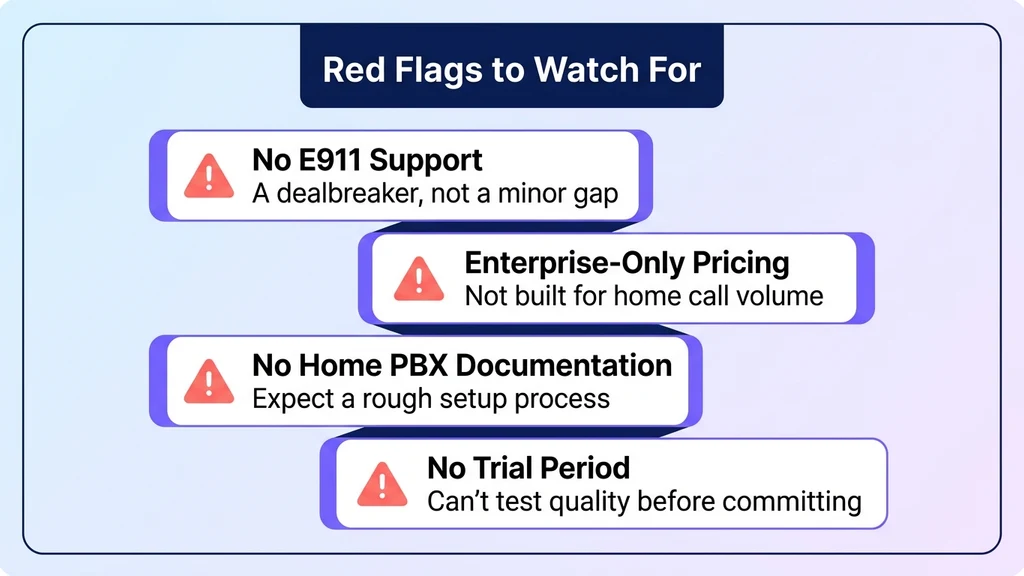
- No mention of E911 support. If emergency call routing isn't addressed clearly, treat that as a dealbreaker, not a minor gap.
- Enterprise-only pricing tiers. A provider that only quotes bulk-minute contracts isn't built for a household's call volume.
- No documentation for common home PBX software. If FreePBX or Asterisk configuration isn't documented anywhere, expect a rough setup process.
- No trial period or low-commitment plan. A provider confident in call quality on a residential connection should let a household test it before committing to a contract.
Conclusion
SIP trunking for home use is a real, practical option for anyone running a home PBX or looking to replace an expensive landline — but it's evaluated differently than a business trunk. E911 support, low-volume pricing, and home-PBX compatibility matter more here than the enterprise SLAs that dominate most SIP trunking buyer's guides. For households that want the benefits of a real phone number without running their own PBX, a hosted virtual number is often the simpler starting point.
Ready when you are
Ready to sound local everywhere you sell?
MCM activates business numbers in minutes, with call routing, analytics, and CRM-ready integrations. Start your trial — no card to browse inventory.
FAQs
What is a SIP trunk for home use?
A virtual phone line delivered over the internet, routing calls to a home PBX system or SIP-compatible device instead of a physical landline. It typically replaces an expensive landline or a limited consumer VoIP app.
Do I need a home PBX to use a SIP trunk?
Not necessarily. A home PBX (like FreePBX or Asterisk) unlocks the most control, but some providers and UCaaS platforms offer virtual numbers that work without running a dedicated PBX system at all.
Is E911 support different for a home SIP trunk than a landline?
Yes. A landline is automatically tied to its physical address for emergency services; a SIP trunk requires the provider to register that address correctly. Always confirm this is supported before relying on the line for emergency calls.
Is SIP trunking cheaper than a landline for a household?
Often, yes, especially at low call volume, since SIP trunks are typically billed per minute or per channel rather than a flat monthly fee. The savings depend heavily on how many calls the household actually makes.
Can I keep my existing landline number on a SIP trunk?
Usually, yes, through number porting. Confirm the provider supports porting an existing residential number before signing up if keeping the number matters.
What's the difference between a home SIP trunk and a consumer VoIP app?
A consumer app is simple but limited — one number, minimal routing. A SIP trunk connected to a home PBX supports multiple lines, custom call routing, voicemail rules, and integration with other home systems.